


![How To Use ControlNet in Stability Matrix [ GUIDE ]](https://image.civitai.com/xG1nkqKTMzGDvpLrqFT7WA/4f2dc3ac-7d32-494f-9629-36625d8e8e82/width=1320/2025-12-21_03-23-55--0.jpeg)
Since a lot of people don't know how to use ControlNet in Stability Matrix, specially with Illustrious, I will do what no one else seems to care enough...
What You Need?
A: Stability Matrix Application.
B: Illustrious ControlNet Model / Or any other model's ControlNet base.
C: Any Illustrious Model / Or any other model.
D: Any image for turning into a skeleton / depth map.
E: A functional brain or at least caveman like me, lol.
Installation: The Illustrious ControlNet model should go into Stability Matrix - Data - Models - ControlNet folder. Then just open up SM as usual and launch the inference.
You can find a simple workflow for making skeletons and depth map outside SM here - [CLICK ME!]
ControlNet DOES NOT work with Align Your Steps scheduler type.
Let's say we want this woahh ahh pose.
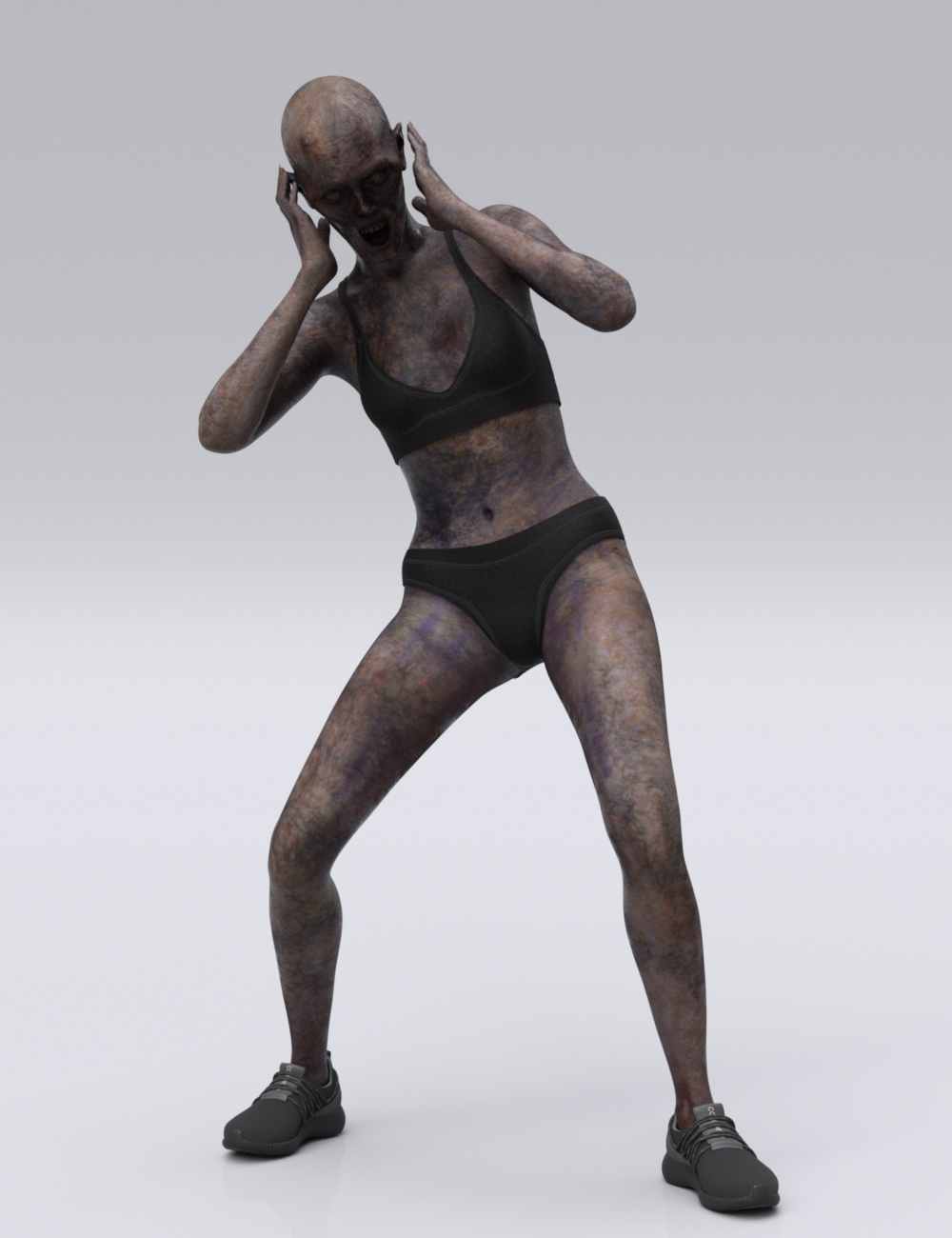
Open up SM and go to Inference Tab - Addons "+" Icon - ControlNet and select DW/Depth Anything or Canny Edge as Preprocessor and Illustrious as Model.

Now slide it down weight control 85-98 and steps control between 80-98. Then simply hit gen with your usual settings and it's done. Ignore the ugly eyes.
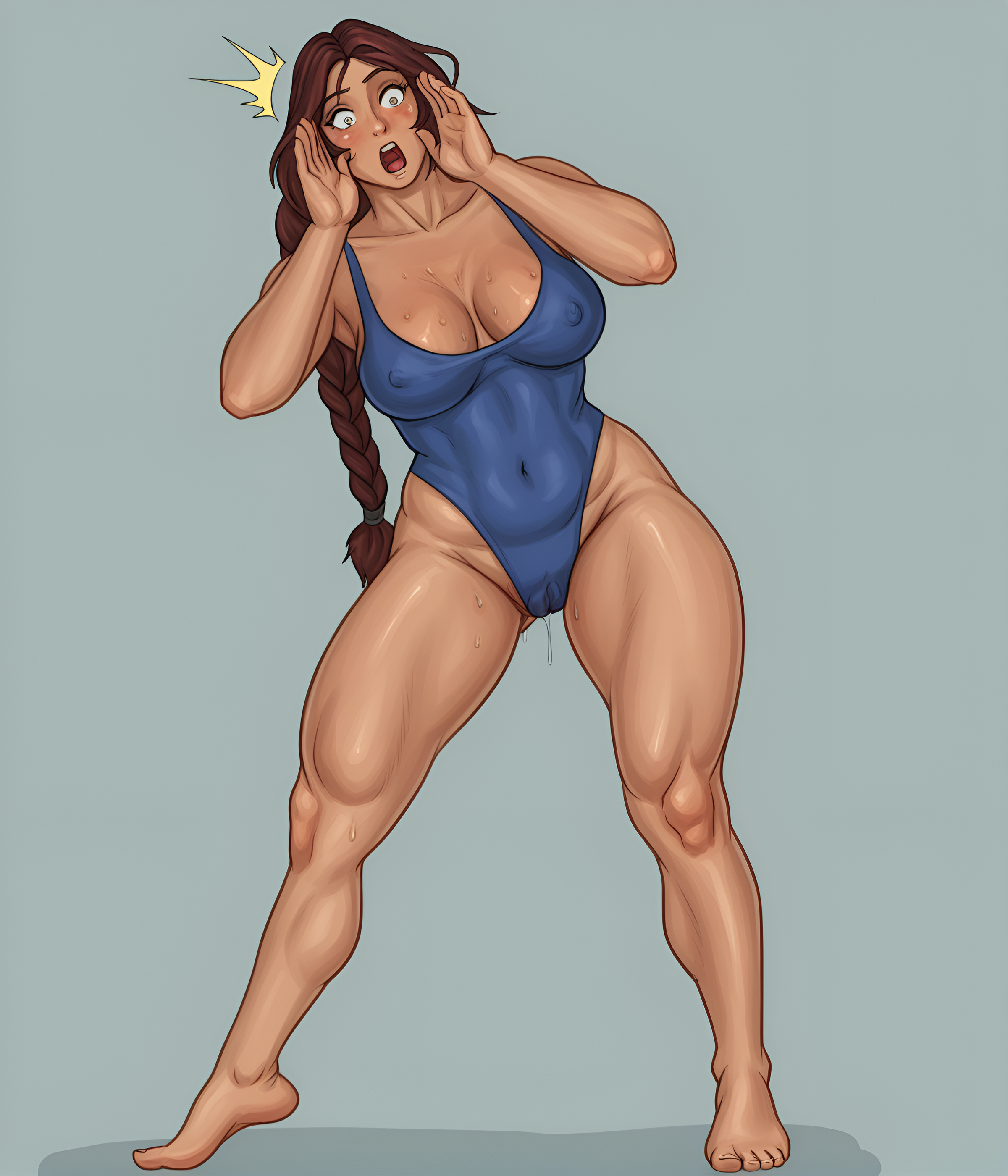
Notes:
If you use 100% on both it will force the pose to be accurate, but at expense of weird results with polluted scenes.
Between 85-95 on control weight is enough to ensure it will make that pose, but if steps are less or equal to 80 it will stop following the pose when the image steps count is at 80% complete.
To ensure actual 100% accurate pose you can either slide it up to 96 on both or even 98, but note that adding a pose tag like "athletic pose" (even if it doesn't exists in the preview-tag pop-up) may affect the final result.