


.jpeg)
Hi everyone,
Seeing @fateno4455131’s “Hololive Bounty ! Drawn to Dawn Celebration !!! (47500 buzz)” made me revisit a problem that has been bothering me for a long time: multi-character feature bleeding.
I can get good results when I generate each character on their own, but when I try to put both of them into the same image, the model starts mixing their key traits.
For example:
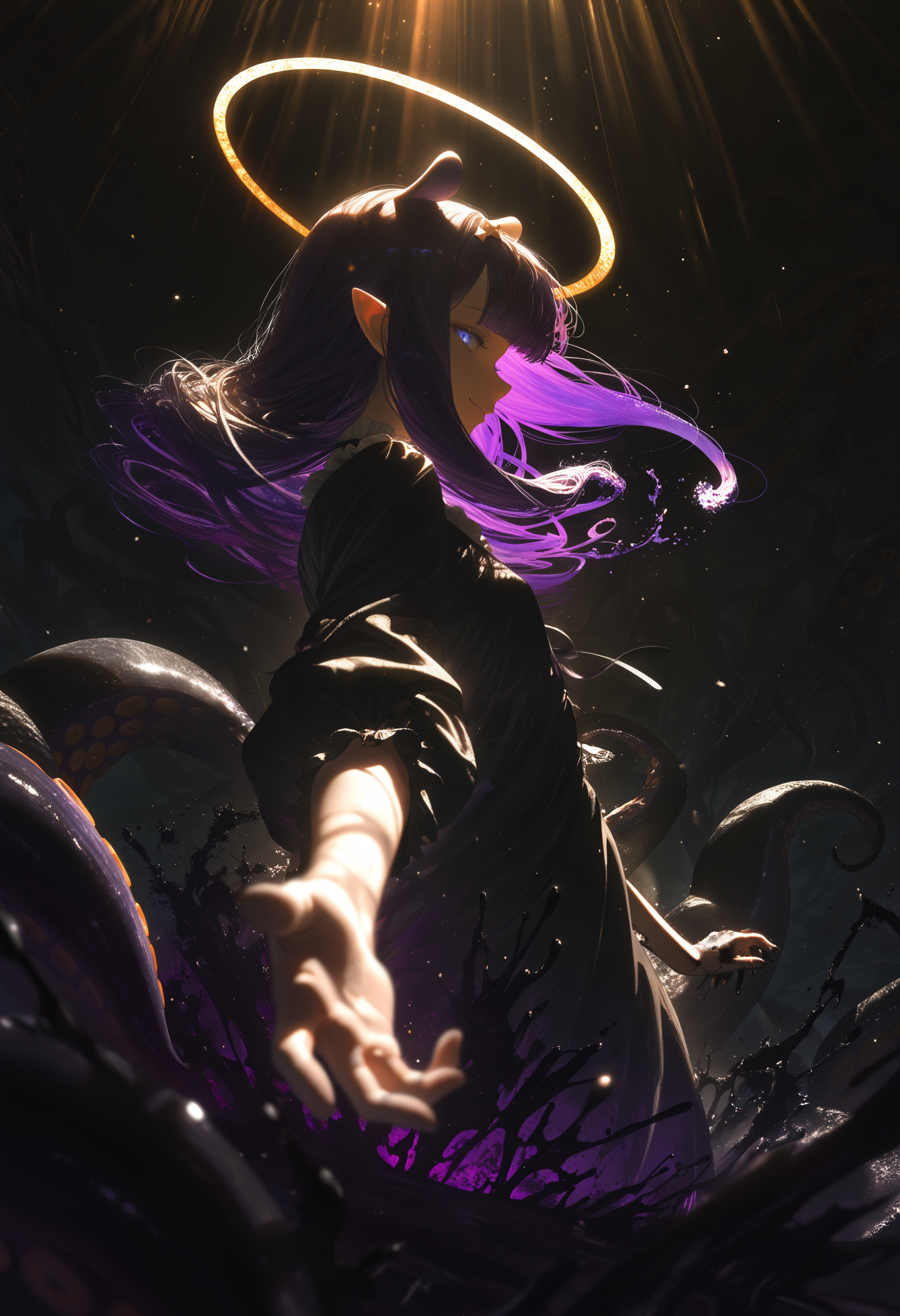
one character is supposed to have a halo, tentacles, and a purple eldritch vibe
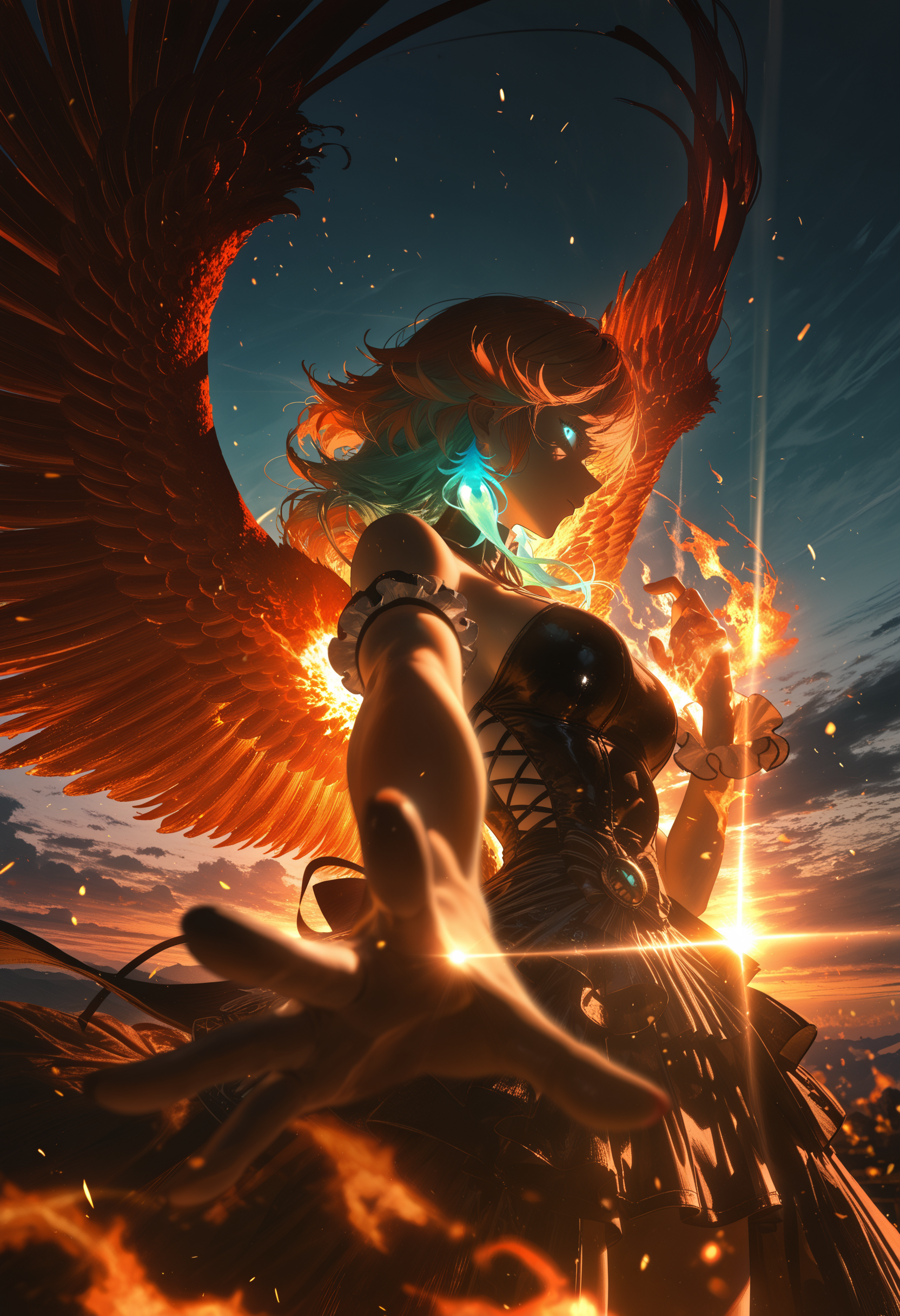
the other is supposed to have phoenix wings, fire, and an orange/teal vibe
Separately, both images look great.
Together, the model often mixes halos, wings, colors, and effects between them.
Here are my examples:
Character A
Character B
Combined attempt
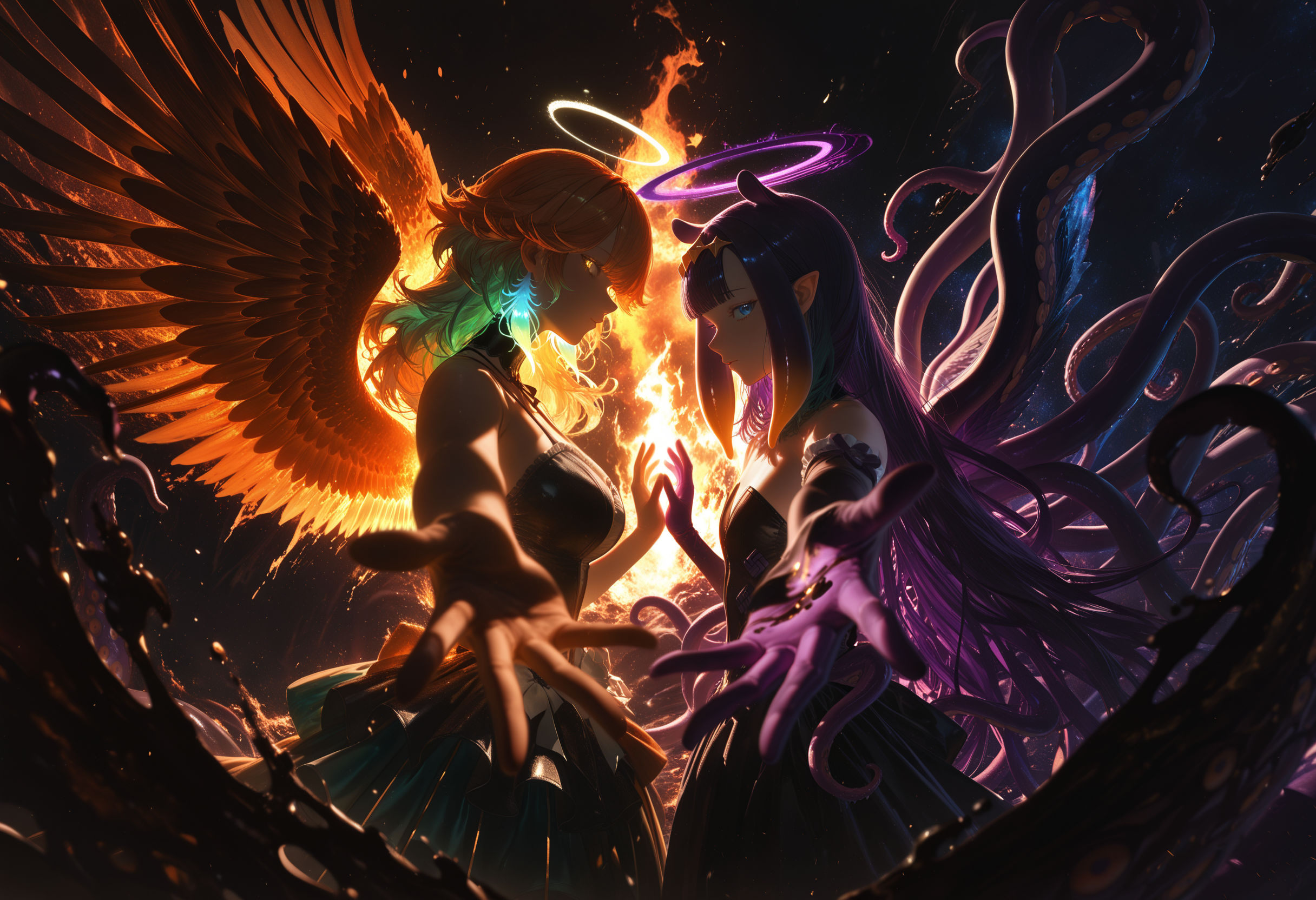
The combined image gets close to what I want composition-wise, but the identity separation is still unreliable.
I’ve already tried:
BREAK-based prompt separation
left/right emphasis
stronger weighting
positive/negative prompt control
But I still don’t have a workflow I can really trust for this type of two-character scene.
So I wanted to ask:
What is the best current workflow in ComfyUI / SDXL for keeping two visually distinct characters separated in one image?
If anyone has good results with:
Regional Prompting
Latent Couple
Conditioning Set Area
IPAdapter
ControlNet
layered workflows
inpaint-based correction
please let me know.
Thanks.