Updated: Jan 4, 2026
style


Take a look at my most recent stained glass model!
V2
Finally the (hopefully) long awaited V2. It was trained with an increased dataset generated with help of V1. Now this LORA works as 6 different styles, all sharing the same trigger as V1 (stained-glass-mosaic).
Simple background
Pretty much a minimalist style intended to highlight a character, by providing a mostly- uniform-color background. Just add "simple background" to the prompt.

Stained glass art
A style more similar to another ones in Civitai, pretending to emulate a stained glass as you can find in a church or so. The main goal of this style is to actually blend the character in the stained glass. Use the trigger "stained-glass".

Scenery mosaic
The closest to the training set used for V1. It is meant to produce characters with scenery as background. Instead of using "simple background" or "stained-glass", use tags for your background (e.g. "park" for this image).
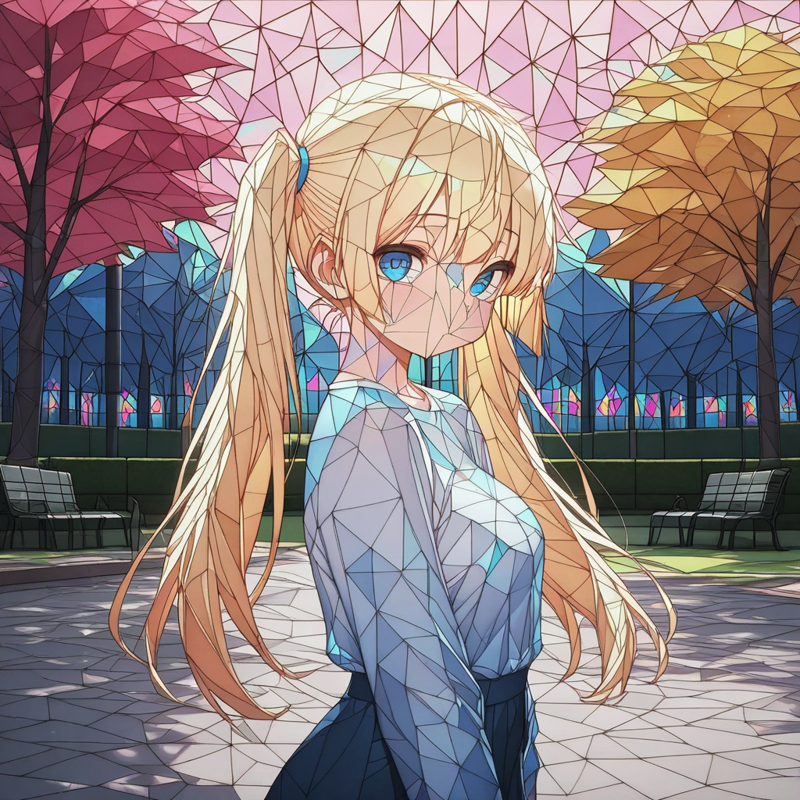
Glass filter
What makes glass look like glass? Reflects of course! I created a simple filter for my training set, trying to emulate the reflects I've seen in drawings of stained glass. This filter was applied to all the training set with the trigger "glass-effect". You may want to avoid very light/dark colors when using this tag, since the filter is not really appreciated in those colors (thus avoid black or white). The images below are examples generated with the tag (with the triggers "simple background", "stained-glass" and "park", respectively).


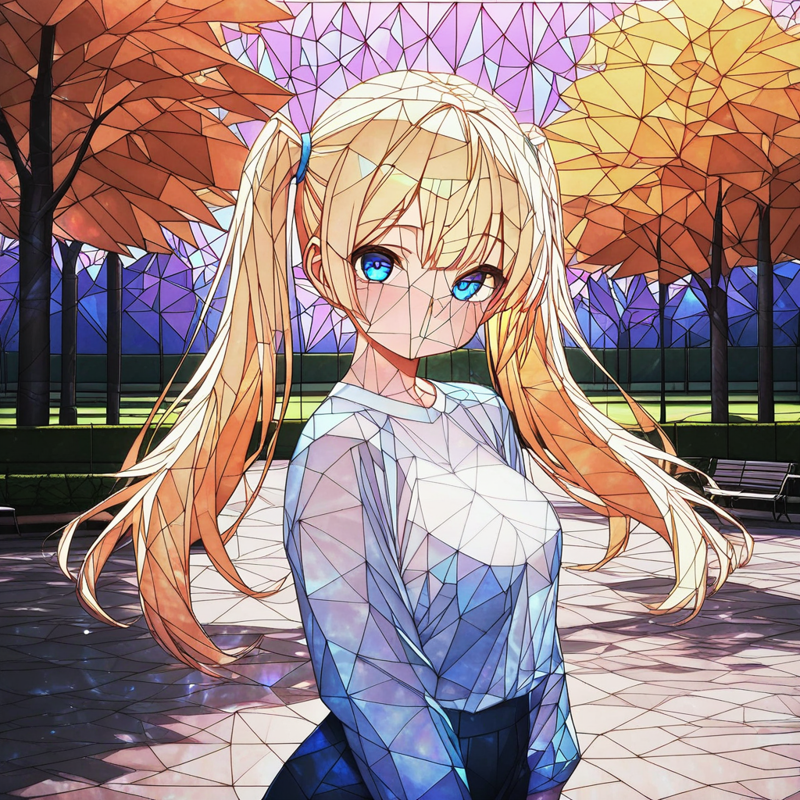
V1
Most "stained glass" models (if not all...) tend to create a stained glass background and then put the character in front of it, without really blending the character in the stained glass. I created a handmade small dataset of images as close as possible to what I really want from a stained glass style. V1 of this LORA was created with that dataset.
This LORA will be used to create a more extensive dataset for a V2, but my local tests seemed good enough for me to share the model, so here you go.