Download
1 variant available


2.1K
247
1K

The FLUX.1 [dev] Model is licensed by Black Forest Labs. Inc. under the FLUX.1 [dev] Non-Commercial License. Copyright Black Forest Labs. Inc.
IN NO EVENT SHALL BLACK FOREST LABS, INC. BE LIABLE FOR ANY CLAIM, DAMAGES OR OTHER LIABILITY, WHETHER IN AN ACTION OF CONTRACT, TORT OR OTHERWISE, ARISING FROM, OUT OF OR IN CONNECTION WITH USE OF THIS MODEL.

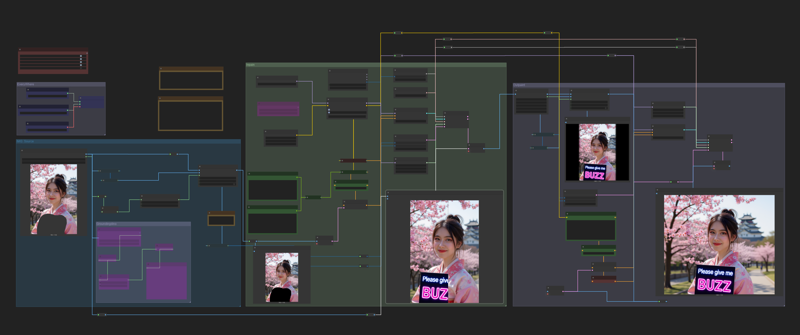
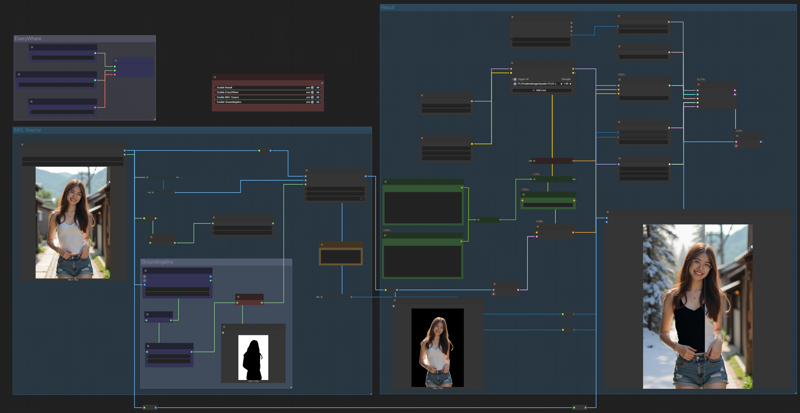
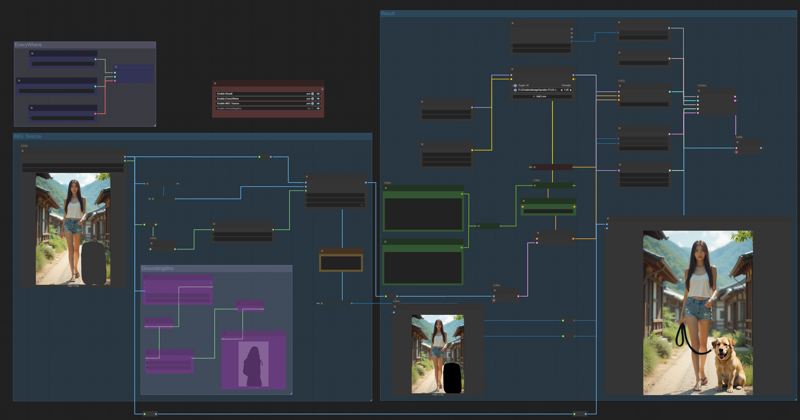
Although this is not a real inpaint, But the results are no different.
Download and test this workflow. You can do inpaint by marking image or prompt for edit by default Kontext behavior.
Now, in version 2
I have added an outpaint feature. It may not always work if there are too many obvious black areas in the rest of the image. However, it works well and I encourage you to give this workflow a try.