


If you encounter any problems during use, please check the user guide first. T2I and I2I
More pixels mean higher clarity, which is definitely a benefit for the printing industry or practitioners with higher requirements for image clarity. In other words, this workflow is very suitable for certain commercial purposes.
This is roughly what it looks like. Let's see how it works.
T2I
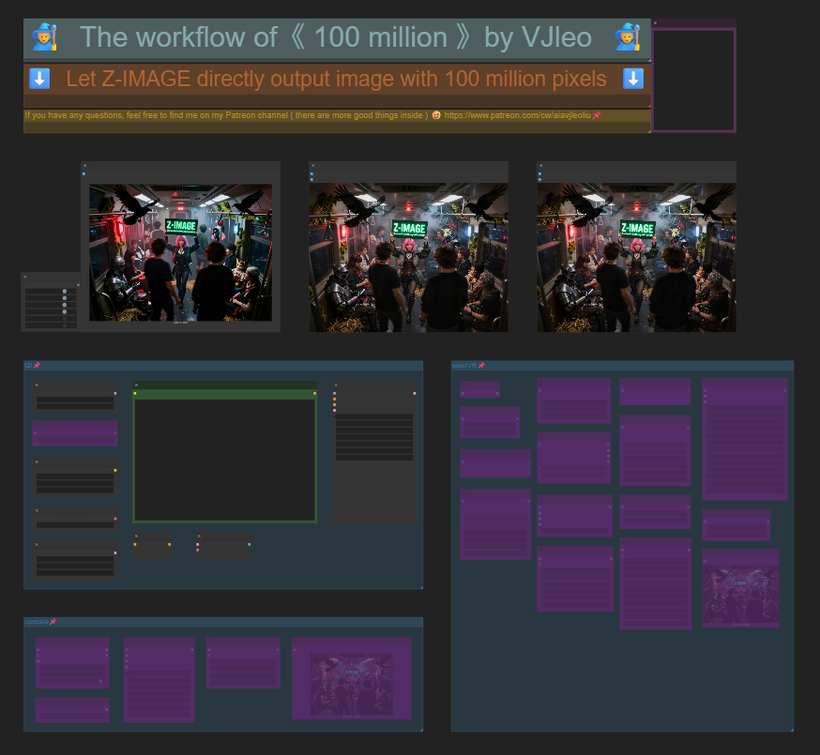 I2I
I2I
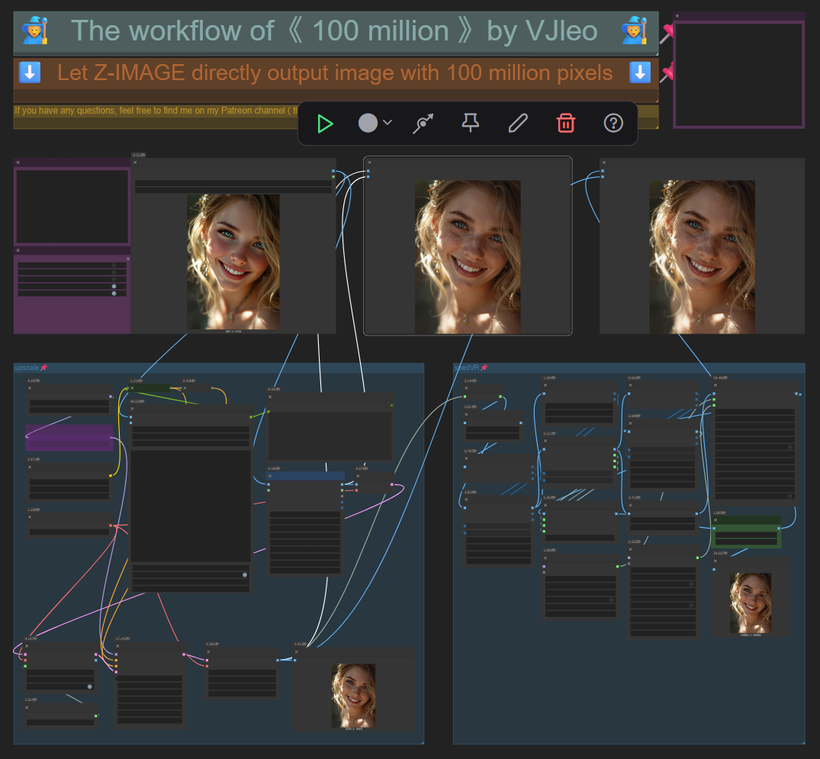 It starts with a small image (640*480). The advantage of a small image is that you can quickly generate a bunch of images, select the most satisfactory one from them, and then repair the image through upscale. It will not damage the main subject and composition of the image, and will also add a lot of details to the image. After being satisfied with the details, enter seedVR. The biggest adjustment made here is to combine seedVR with TTP, and finally generate a 100 million - pixel image.
If you still don't know how to use it, I have also prepared a simple tutorial
T2I and I2I
Image comparison
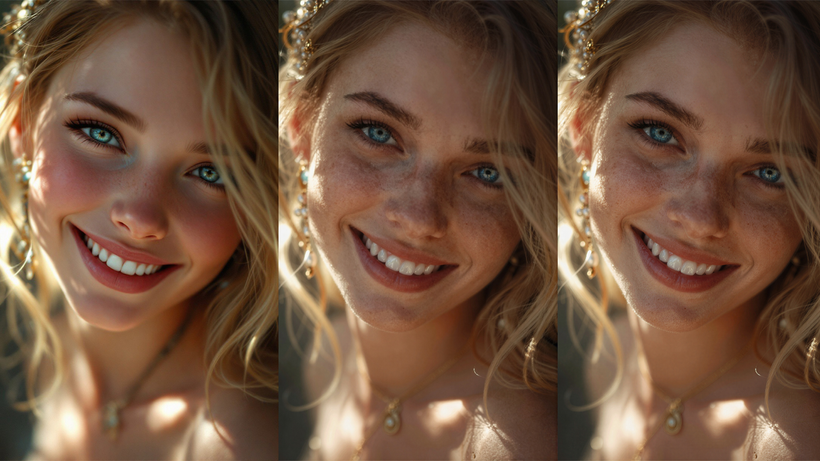 Some people may not have a concept of 100 million pixels. Let's take what we usually call full HD (1920*1080) as an example. If we put a 100 million-pixel image into this size, how much content can be displayed?
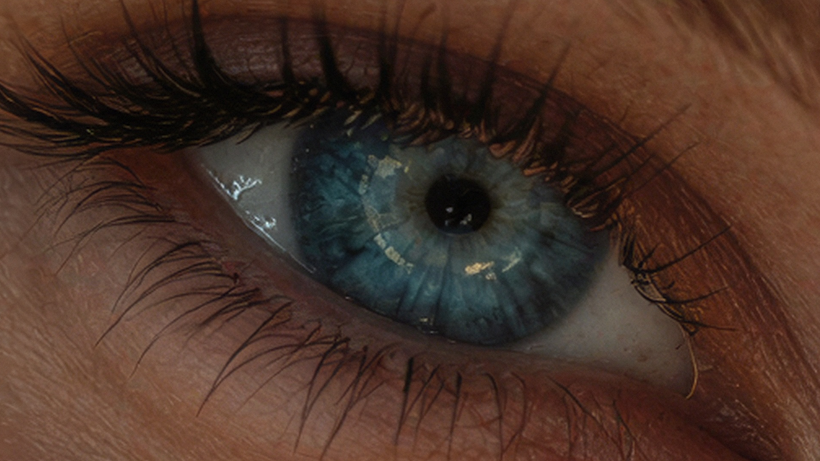 Yes, it's only enough to display one eye, and as you can see, every detail of the eye is clearly visible. This is the power of the 100 million workflow.
🙈🙉🙊🐵OK! That's all
What do you think of this result? Welcome to leave a message for discussion.
Thank you for reading this far.
English is not my native language. The above is translated by AI. If there is anything inappropriate, welcome to correct me. Finally, I hope you have fun!