Download
1 variant available
bf16 SafeTensor
Z-Image_clear_anime_BF16.safetensors
BF16, good balance • 11.46 GB
Verified: 5 months ago



License:
Apache 2.0
Z-Image_clear_anime
Comparison: Z-Image_clear_anime vs Z-Image-Turbo_clear
Z-Image_clear_photoreal | Z-Image-Turbo_clear


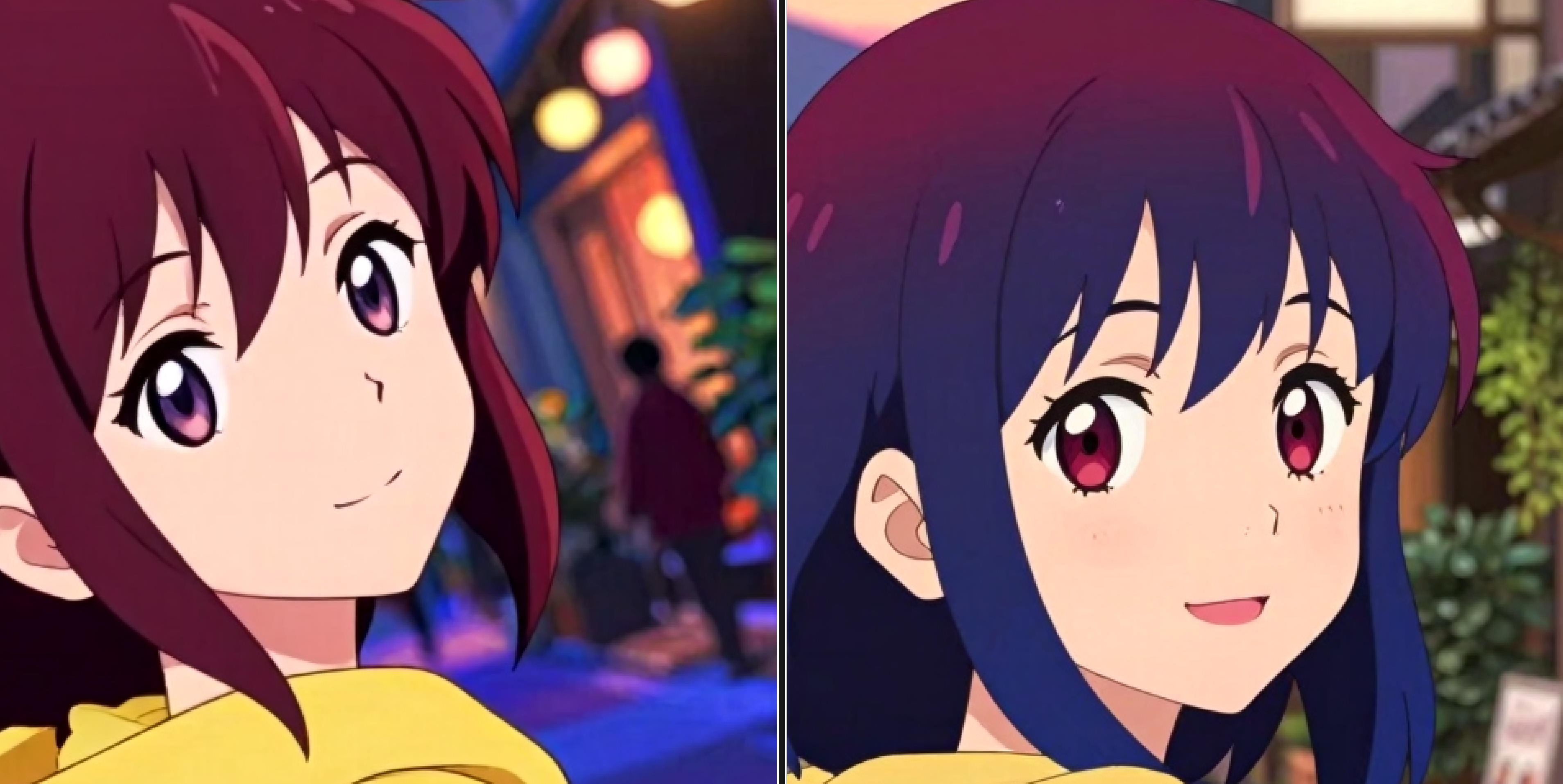
Z-Image_clear_anime is a merged model of Z-Image (Base) and Z-Image-Turbo_clear.
It features clearer color expression and sense of depth is better organized.
Model Formats and Image Quality
Generally, the image quality ranks in the following order:
FP32 > FP16 ≒ BF16 > INT8_ConvRot_HQ > MXFP8 > FP8_svd_scaled > FP8
FP32 is mainly recommended for training purposes.
FP16 / BF16 can generate high-quality illustrations.
INT8_ConvRot_HQ offers an excellent balance of speed and quality while using roughly half the VRAM of FP16 / BF16.
MXFP8, FP8_svd_scaled, and FP8 are currently not recommended, as they are inferior to INT8_ConvRot_HQ in both speed and image quality.
For a detailed comparison of each format, please refer to this page.
VAE
For the Z-Image_clear_anime model, we recommend using the custom VAE: Z-Image_natural_vae.
Workflow
The PNG workflow can be downloaded from Hugging Face.
Recommended Settings
General
Sampler: euler
Scheduler: beta
Steps: 12 (Range: 6-18)
ModelSamplingAuraFlow: shift 6 (Range: 3-9)
CFG scale: 1
Note: Negative Prompts have no effect.
Upscaler
your choice, examples:
RealESRGAN_x4Plus Anime 6B (Commercial use)
IllustrationJaNai_V1_ESRGAN (Non-Commercial use)